Headlines News :

Powered by Blogger.

Visitor

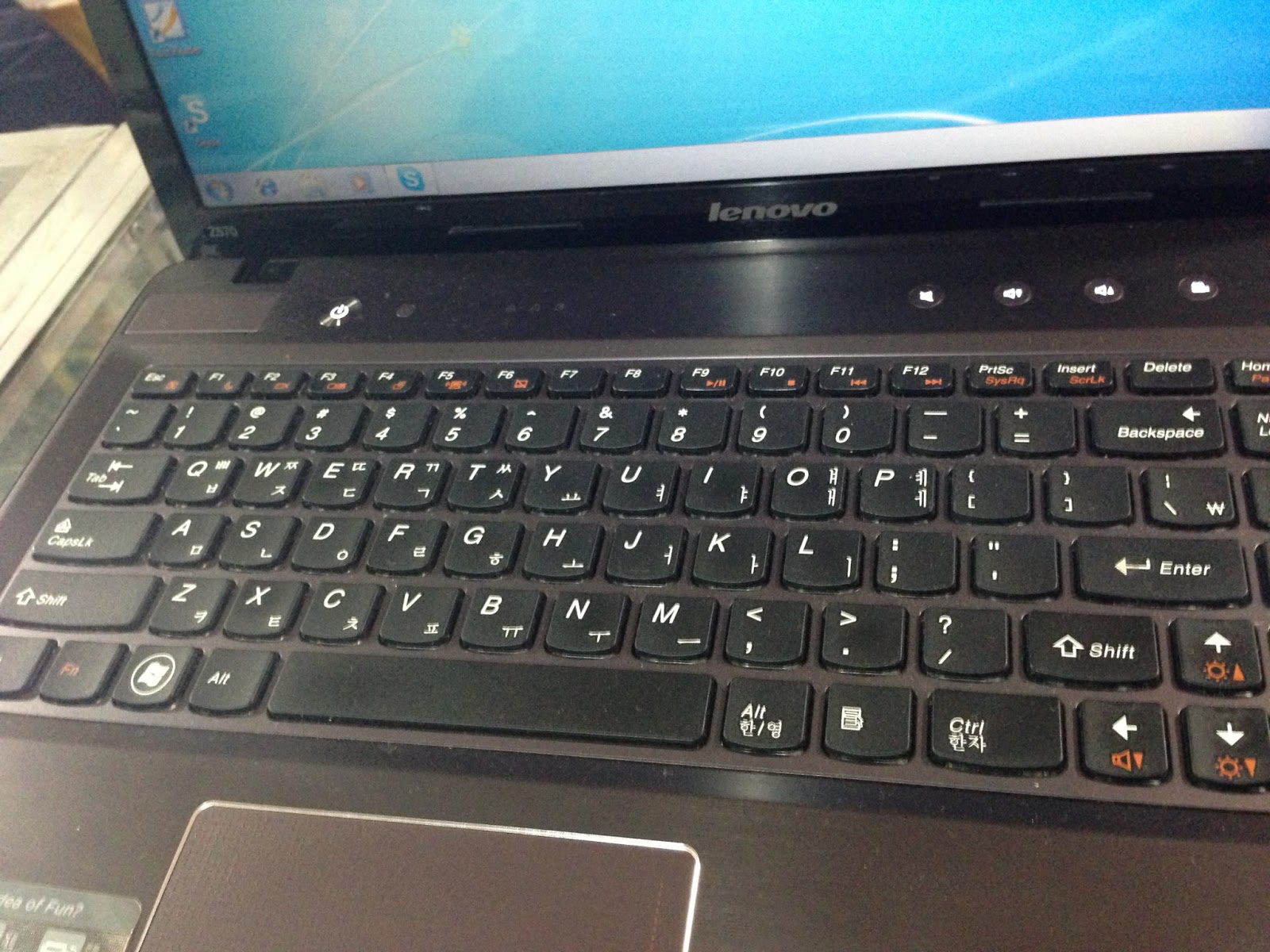
Lenovo z570 (core i5) FOR SALE!

                                 Lenovo z570 (core i5) FOR SALE!


Contact us for details: 09399088064


Iphone 4 upgraded to 6.1 with 04.10.01 baseband

             Iphone 4 upgraded to 6.1 with 04.10.01 baseband

Here is the procedure on how to upgrade 6.1 on iphone 4 with 04.10.01 preserved baseband.

1. Download latest SNOWBREEZE from here: http://www.sendspace.com/file/mv36n2
2. After that click on ipsw 6.1 then click preservation baseband mode in snowbreeze 2.9.8 wait till finish.
3.The file will automatically save to desktop
4.Restore the unit with the file save on desktop


5. After restore jailbreak using evasion
6. Here is the finished product


How to Create CFW iPhone 3GS 6.1 Untethered [1 Shot donaire]

mga kailangan:

1:-sn0wbreezed version 2.9.8
2:-IOS 6.1 iphone 3gs firmware
3:- def files (ultrasn0w 1.2.8 saka appsync def files


mga hakbang


1: open sn0wbreezed 2.9.8

2:Click arrow box
3: Click Browse for an IPSW
4:Select iOS 6.1 iPhone 3gs
5: Select New Boot rom ( if your iPhone is Old Boot rom select Old boot rom)
6: Click arrow to continue.

 7: Select Expert Mode
8:
 Select GENERAL then click the next button on lower right corner
9:
 Check Activate The iPhone [Hacktivate] and press next
10: Click Browse


11: Navigate and then select all deb files. (you can add deb files that you desire)

 12: Press next

 13: Select Build IPSW then press next.
14: Wait to finish the cooking of CFW
15:done ayos may naka preserve kana cfw
ayos pwede na restore gamit ang CFW na niluto sa sn0wbreezed


Acer 2930z(dual core) for sale!

                              Acer 2930z(dual core) for sale!

Kindly contact us for details:


Iphone 5 Verizon UNLOCKED thru GEVEY SIM

            Iphone 5 Verizon UNLOCKED thru GEVEY SIM

                contact us for details..


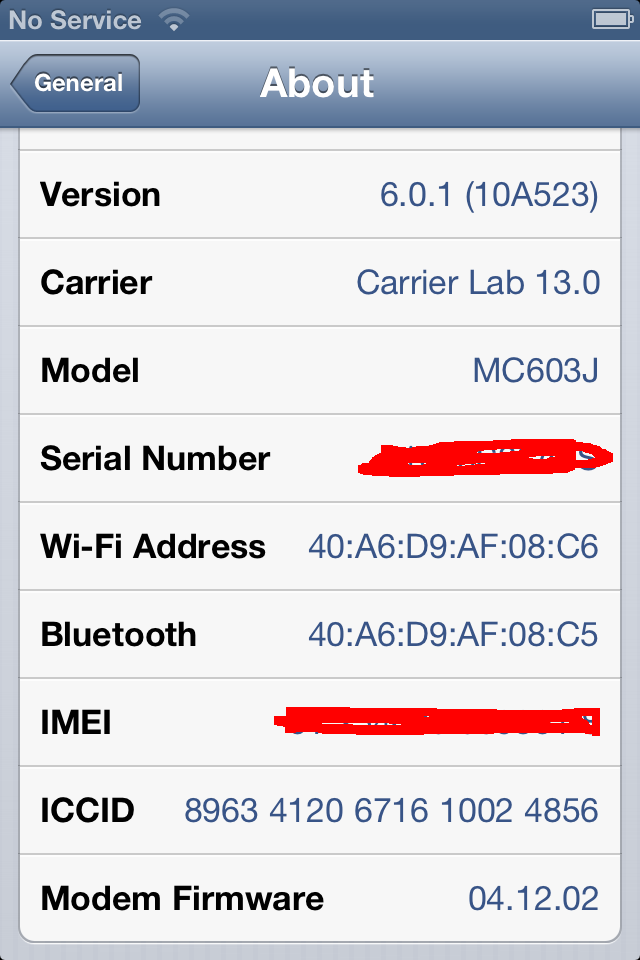
iPhone4 iOS 6.0.1 downgrade to 5.1.1 with SHSH blobs


Before:

Steps.

1. Fetch SHSH blobs using Tiny Umbrella.


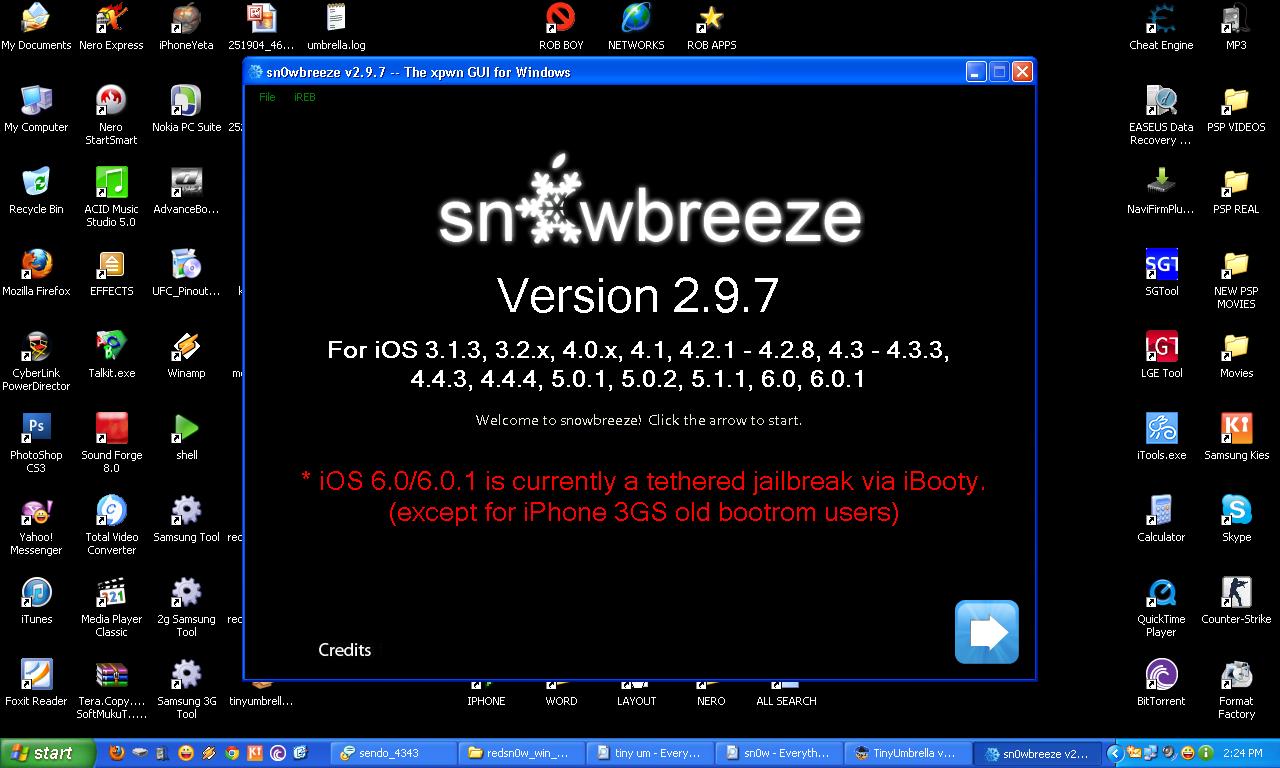
2. Use sn0wbreeze 2.9.7 for making a signed custom IPSW.
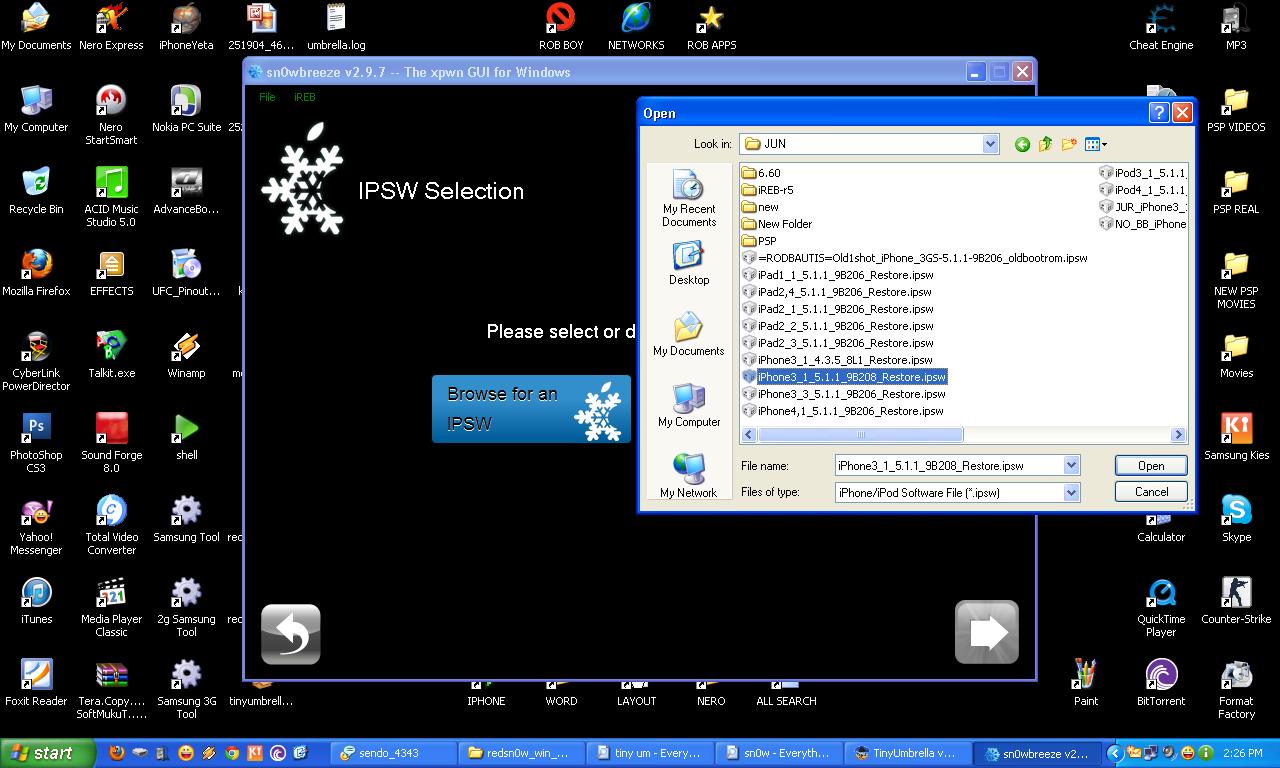

3. Browse the Official IPSW for iPhone 4 5.1.1


4. Select iFaith Mode and browse for the SHSH blobs.
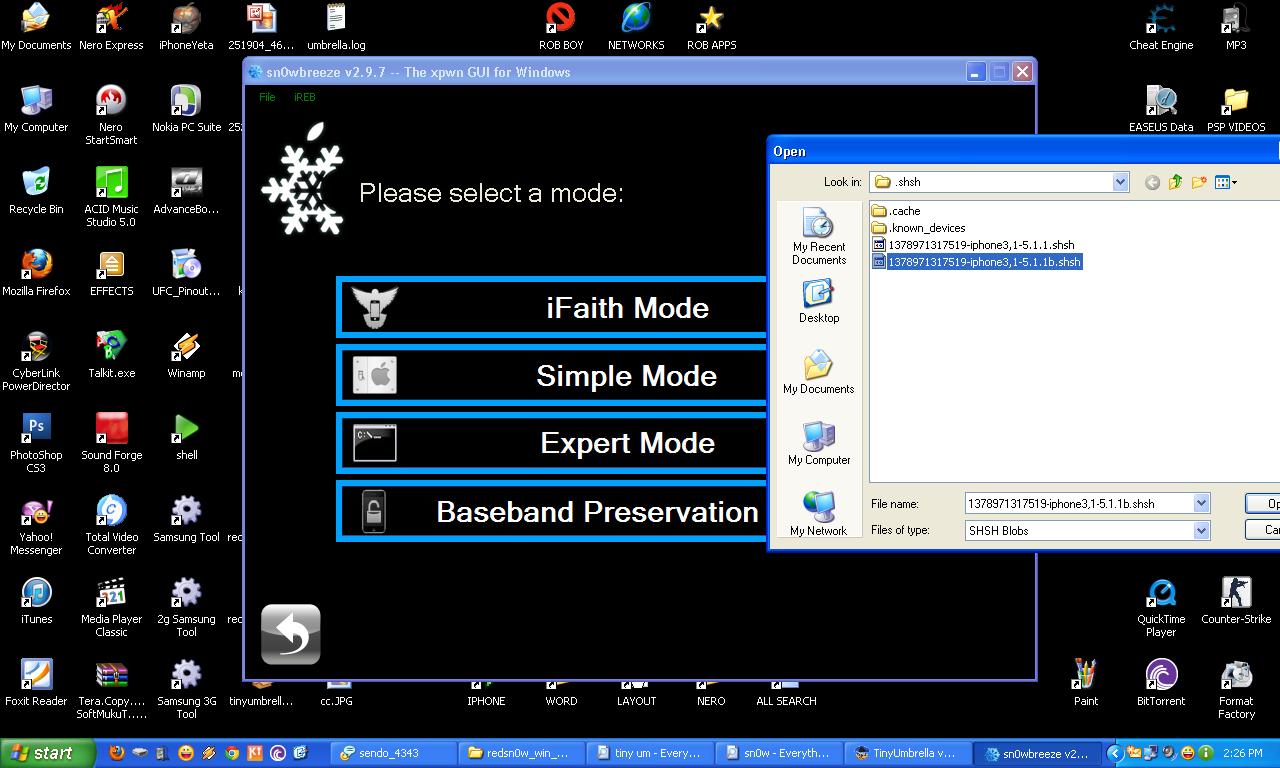

5. Select Build IPSW.


6. Next Step is, use the DFU Pwner or iReb.


7. After Using iReb. Restore iPhone Using iTunes and browse for the Signed Custom IPSW.


8. After Restoring, Jailbreak iPhone Using redsn0w12b2 or higher and browse for the Official iPhone4 5.1.1 IPSW


9. Select install cydia, for activating and jailbreaking your iphone.


your done.

After.

Thanks. and Goodluck. 


samsung tab gt p3113 4.1.1 root success.

just pm me, for more details.

 
Support : Creating Website | Johny Template | Mas Template
Copyright © 2011. ROBCOM - All Rights Reserved
Template Created by Creating Website Published by Mas Template
Proudly powered by Blogger